Need an easy way for customers to reach you on WhatsApp? Just create a WhatsApp link. All you have to do is enter your number, add a message, and generate a link.
What Is a WhatsApp Link?

A WhatsApp link is a link that opens a chat with your WhatsApp number.
For example, you may see a Chat on WhatsApp button on a business website. When you click it, WhatsApp opens and takes you to the chat with that business.
The customer does not have to type your number manually. In many cases, there is no need to save the number first either.
You can also add a pre-filled message to the link. This message appears in the chat box when the customer opens it.
3 Steps to Create a WhatsApp Link for Your Business

Creating a WhatsApp link is very easy. You just need to follow the following steps.
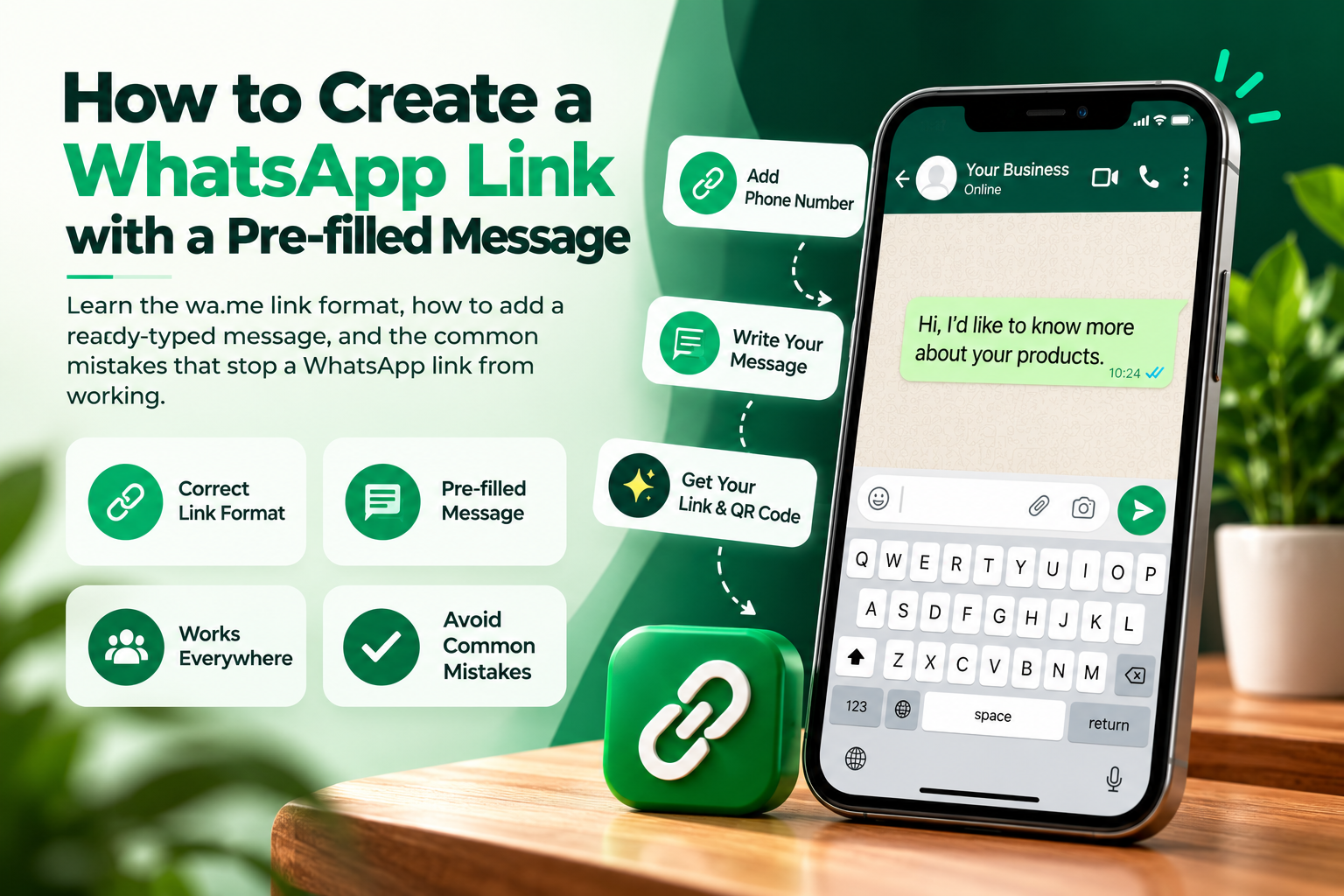
Step 1: Enter Your WhatsApp Number
Select the country code and input the number on WhatsApp. For an Indian number, select “+91” and enter the phone number. Double-check the number before creating the link to ensure that the customers connect with the right WhatsApp account.
Step 2: Add a Message
You can add a message that customers will see when they open the chat.
For example: “Hi, I would like to learn more about your services.”
Customers can edit the message prior to sending. If you do not wish to include a message, you may leave this field blank.
Step 3: Generate the Link
Click Generate Link. Your WhatsApp link will be created.
Copy it and place it wherever you want customers to reach you.
Before sharing it everywhere, open the link once and check that it takes you to the correct WhatsApp number.
Why Create a WhatsApp Link for Your Business?

Most people don't want to go through extra steps just to ask a simple question.
Suppose a customer sees your product and wants to know the price. With a WhatsApp link, they can simply click and ask.
This can be useful for:
- Customer enquiries
- Product questions
- Booking requests
- Service enquiries
- Customer support
- Sales conversations
A WhatsApp link is also handy for small businesses where most customer communication happens through WhatsApp.
Yes. I’d make these sections much easier to scan and avoid repeating the same “connect directly” idea in every point. I’d also remove the old numbered formatting because it makes the section look copied and cluttered.
Benefits of Sharing a WhatsApp Link
A WhatsApp link gives people a quick way to reach your business. Some useful benefits are:
- Start chats easily: Customers can click the link and start a WhatsApp chat without typing your phone number.
- Get customer details: When a customer messages you, you can see their name and phone number in the chat.
- Address inquiries: Respond to the customers’ inquiries using one-on-one WhatsApp communication.
- Remain in touch: Request the customers to keep your number handy for future communications.
- Make contact easier: Add the same link to your website, social profiles, emails and other online channels.
How to Use a WhatsApp Link?

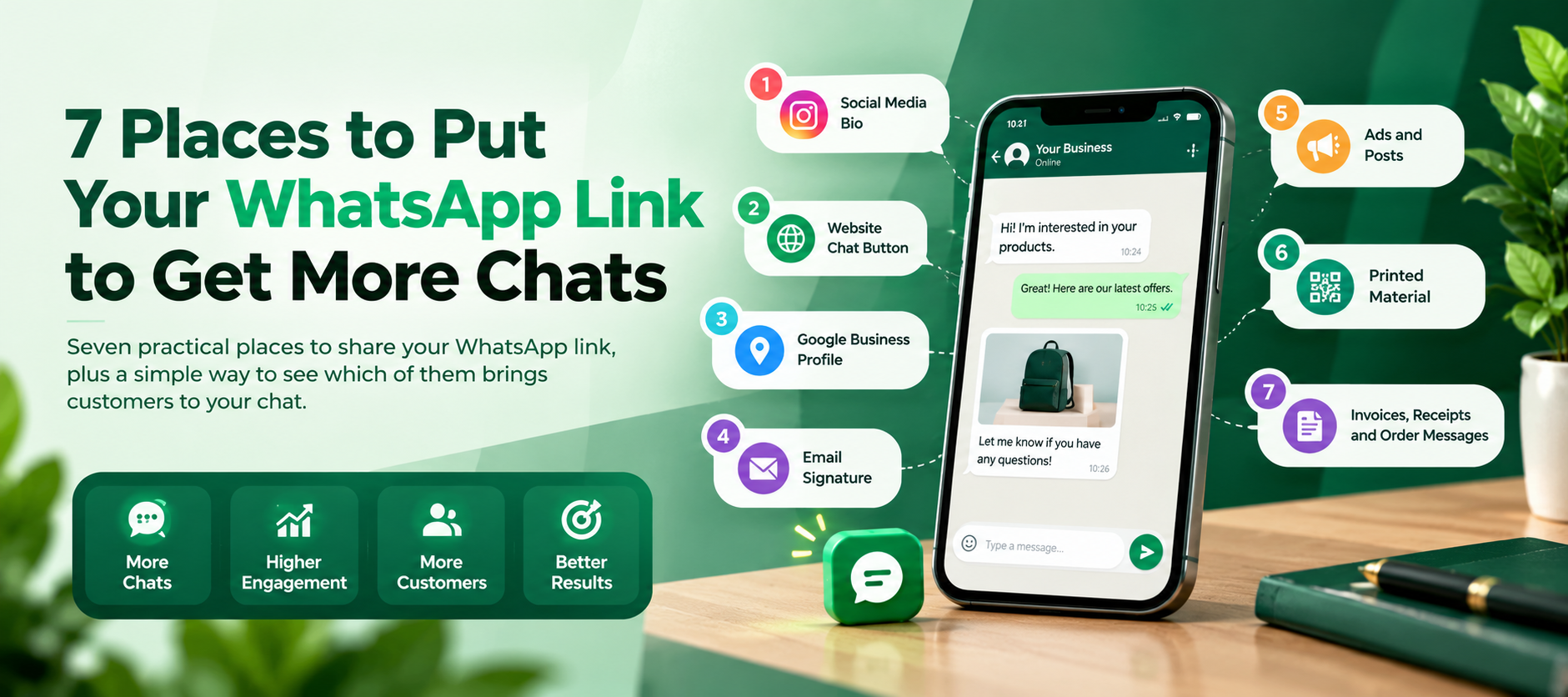
A WhatsApp link is not limited to your website. You can share it wherever your customers already spend time online.
Here are some simple ways to use it:
Add the WhatsApp Link to Your Social Media Bio
Social media profiles are usually the first places that people visit before reaching out to a company. Include your WhatsApp link in your profile so that people can initiate a conversation without searching for your contact details.
If you have several links to share, you can also use a link-in-bio page and include WhatsApp along with your other business links.
Share the Link on Instagram Stories
Instagram Stories can help you reach people who already follow your business. Add your WhatsApp link to a Story using Instagram's link feature.
You can also save the Story as a Highlight if you want visitors to find it later.
Simple steps:
- Create an Instagram Story.
- Add the Link sticker.
- Paste your WhatsApp link.
- Publish the Story or add it to a Highlight.
Share Your WhatsApp Link on Facebook
You can add your WhatsApp link to Facebook posts, captions or other suitable areas of your business page.
For example, if you post about a new product, add a line such as “Have a question? Chat with us on WhatsApp.” Then add your link.
Add the Link to Your X Posts
When you advertise your business through X, you have the opportunity to include your WhatsApp link. It is important that your message is brief, and let the recipients know what information you can help them with.
Add Your WhatsApp Link to Pinterest
Pinterest works well for businesses that share products, ideas or visual content. You can add your WhatsApp link where Pinterest allows external links and use it to guide interested visitors to your business chat.
Add the Link to YouTube Video Descriptions
If you create YouTube videos for your business, your video description is another useful place for a WhatsApp link.
You can add a simple line such as:
Have questions? Chat with us on WhatsApp.
Place the link below it so viewers can find it without going through your website first.
Add It to Your Website
Your website is one of the most useful places for a WhatsApp link. Add it to your contact page, product pages, service pages or a visible Chat on WhatsApp button.
It helps visitors to reach out to you directly and get the details they need.
Check Your WhatsApp Link Before Sharing

Verify the link before publishing it on your website or social media profile.
Check these three things:
- The link opens the correct WhatsApp number.
- The pre-filled message is written correctly.
- The link works on the device you plan to use it on.
If you change your WhatsApp number later, remember to update the links you have already shared.
FAQs
Is creating a WhatsApp link free?
Yes. A basic WhatsApp click-to-chat link can be created and used without paying WhatsApp for the link.
Do customers have to save my number?
No. A WhatsApp link lets them open a chat without saving your number first.
Can I add a message to my WhatsApp link?
Yes. You can add a pre-filled message. The customer can edit it before sending.
Can I use the link with WhatsApp Business?
Yes. You can use a WhatsApp link with a WhatsApp Business number.
Where can I share a WhatsApp link?
You can share it on your website, social media, email, online ads, product pages and digital brochures.
Can I create a new link with a different message?
Yes. You can create another link if you want to use a different pre-filled message.
Create Your WhatsApp Link
Looking for an easy way for clients to get in touch with you? Put your WhatsApp number, write a message if necessary, and get your link ready!